


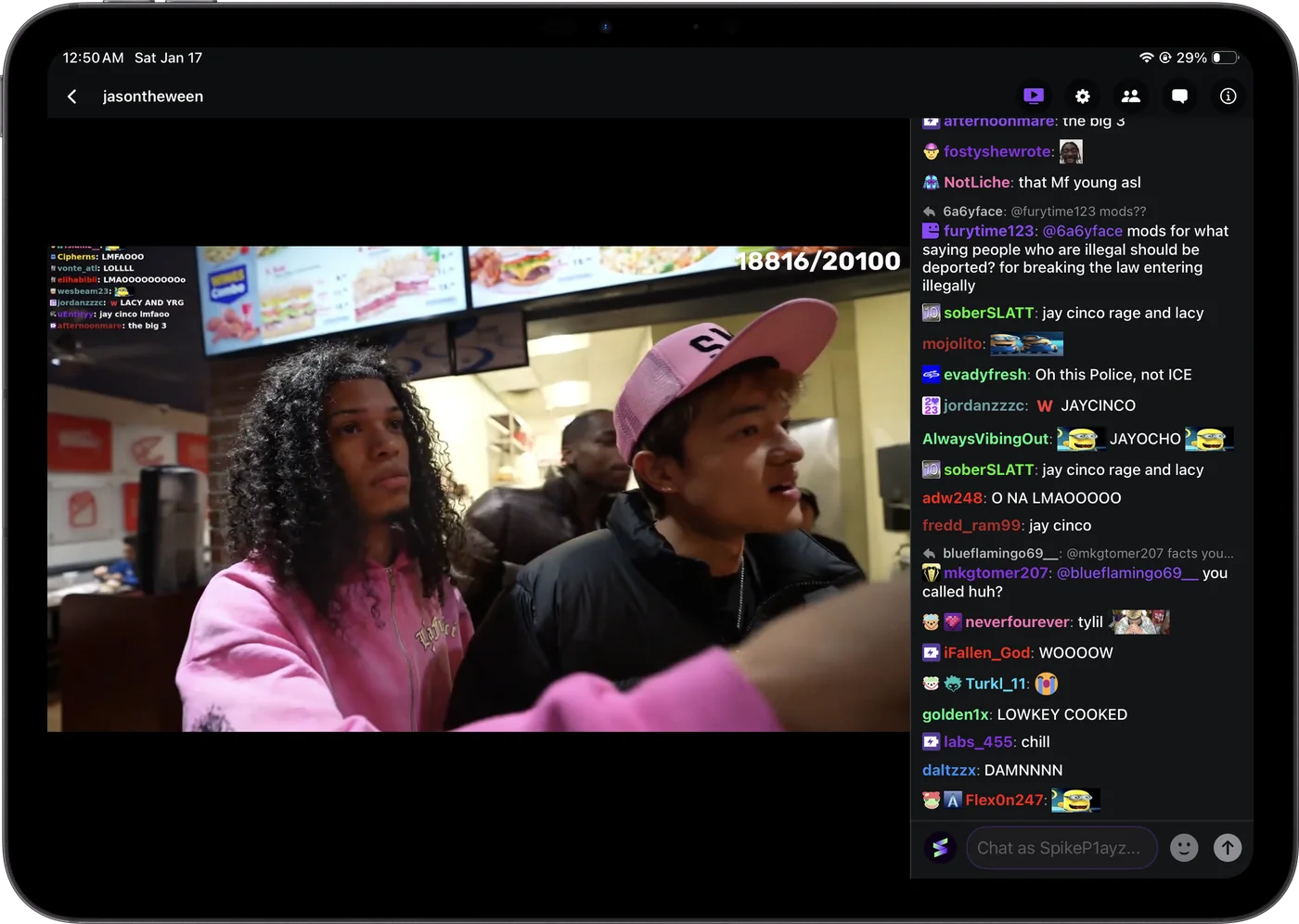
iPad
Stream and chat side by side, in landscape or portrait.
I made Twick so 7TV, BTTV and FFZ emotes show up in chat on your phone the way they do on desktop. Twitch and Kick in one app for iPhone and iPad, with stream audio in CarPlay in Twick Pro.
 Also on
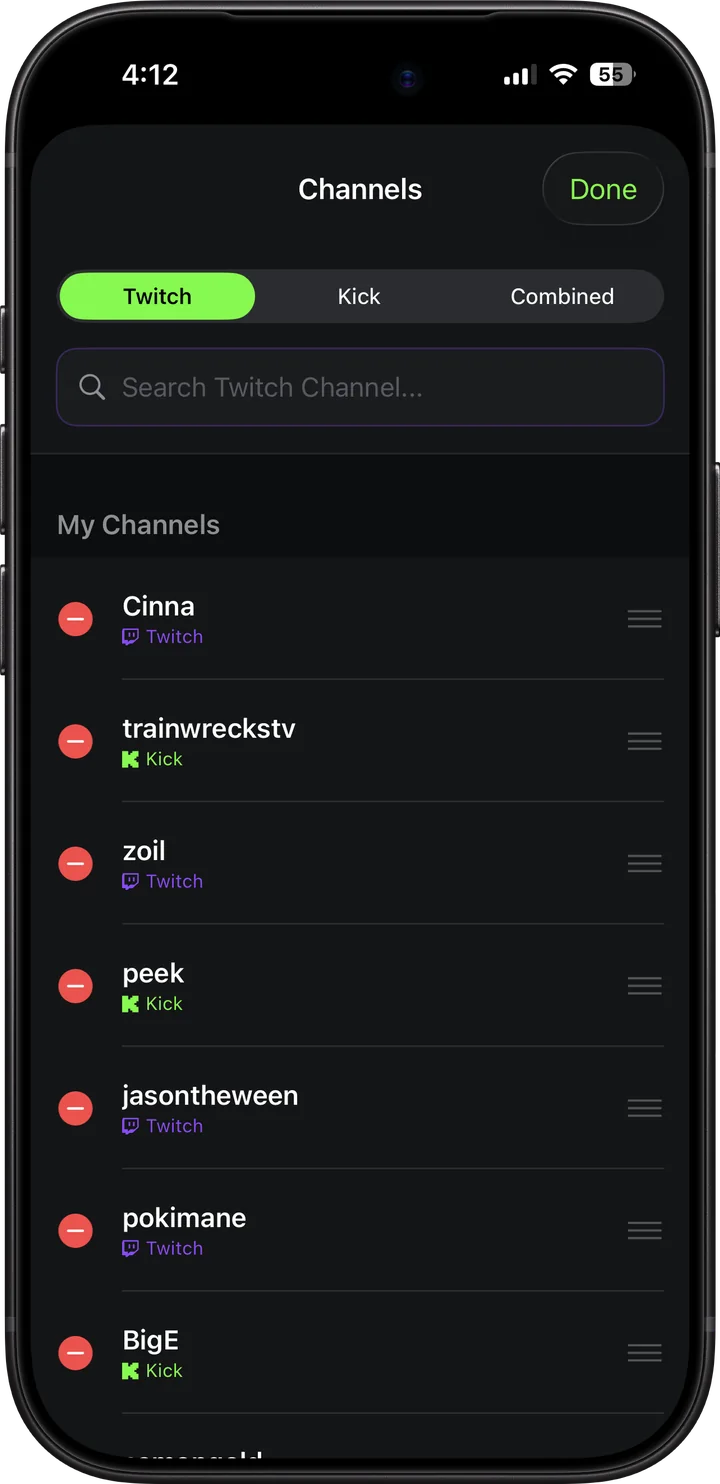
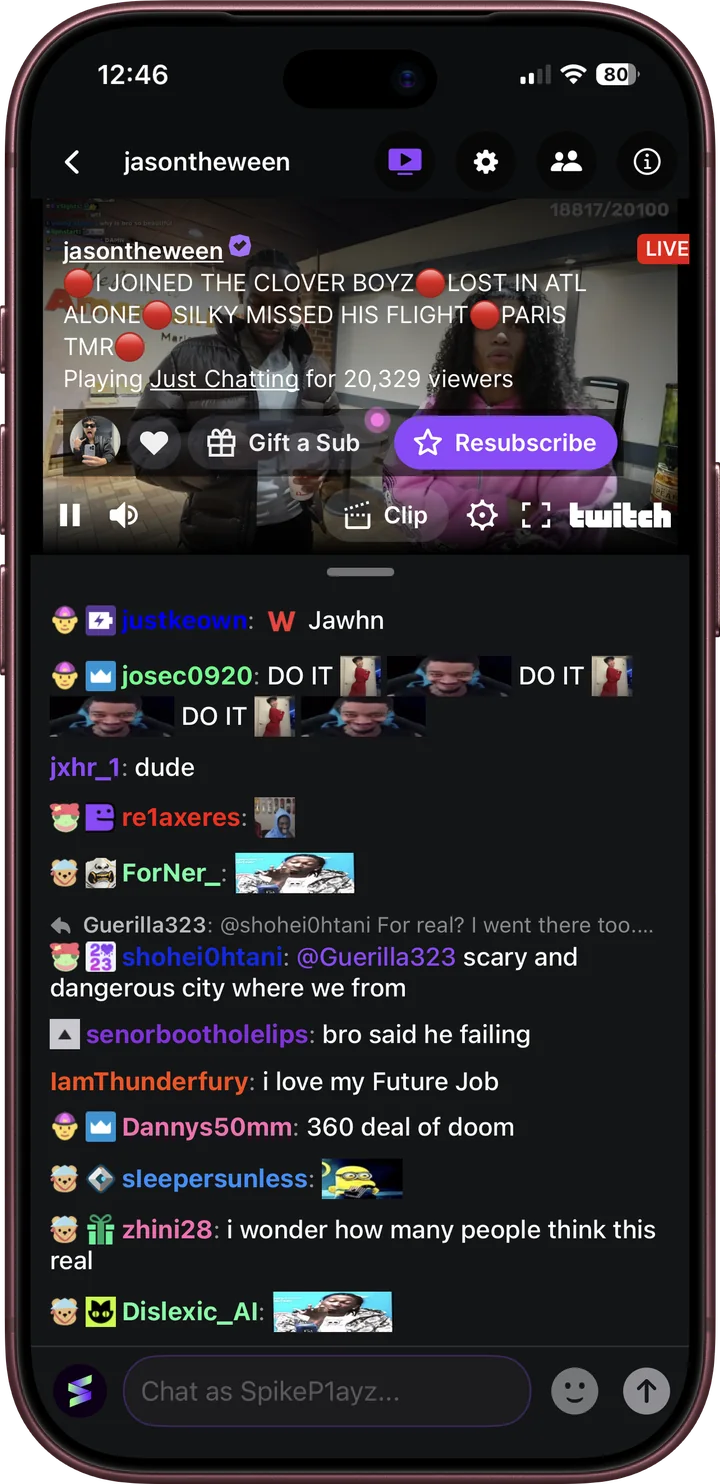
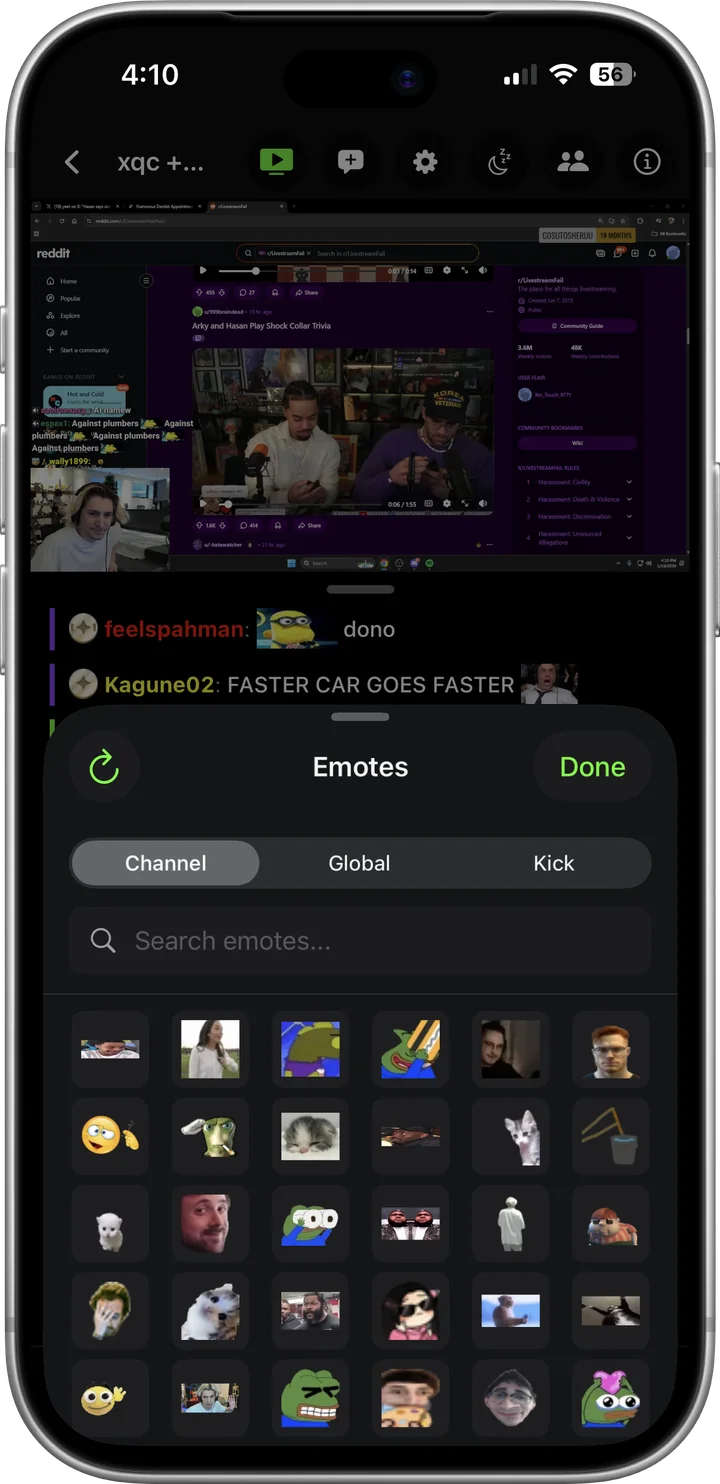
Apps without 7TV, BTTV and FFZ show those emotes as their names, so half of chat turns into code words. I built Twick to load the emote sets for every channel you open, so chat looks the way it does on desktop.
 PartyParrot PartyParrot
 Clap


 D:

 peepoPls
 PepePls


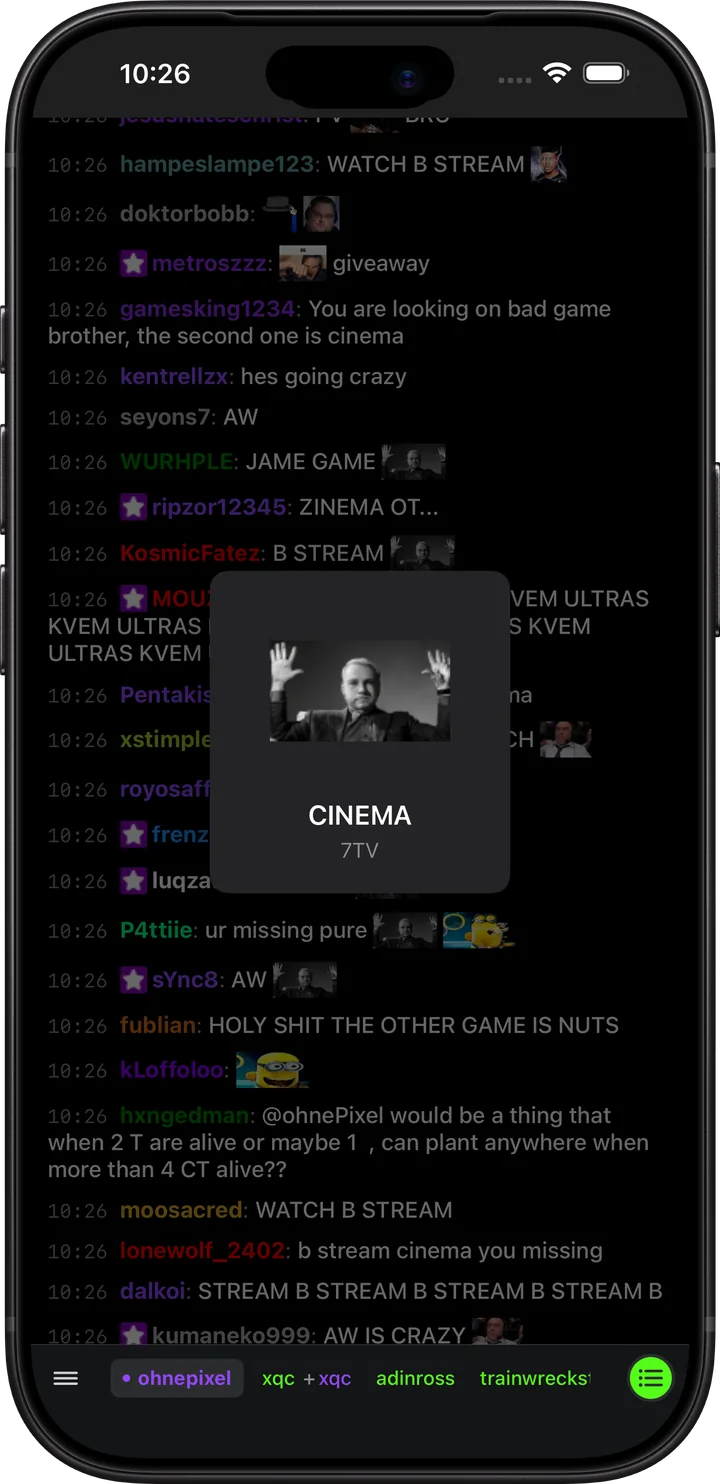
These are some of the 7TV, BetterTTV and FrankerFaceZ global emotes Twick loads everywhere. Each channel adds its own sets on top when you open it. Hover or tap an emote to see its name.
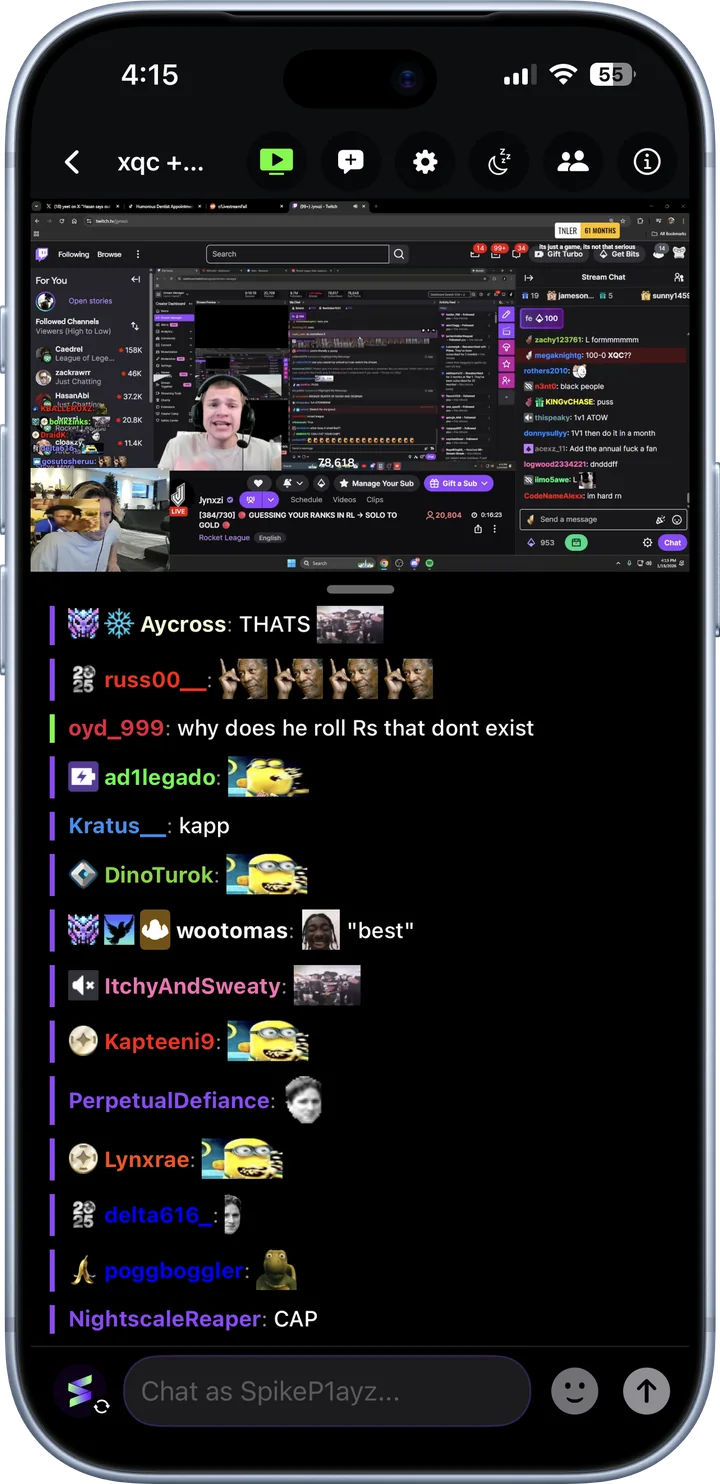
Some streamers go live on Twitch and Kick at the same time, and on a phone that means picking one chat. I didn’t want to pick, so in Twick you pair the two channels and read both chats in one list, with a thin bar on each message showing where it came from.
Screenshots I took in Twick on iPhone. Nothing here is a mockup of the UI.
 Streamer pagesFollowers, bio and socials for Twitch and Kick channels.
 Fast chats stay readableBusy chats, with every emote drawn.
 Your statsWatch time and messages by day, week or month, split by platform.
 Chat your wayTheme colour, rainbow usernames, timestamps and chat history.
 iCloud SyncAccounts, channels, settings and stats on your iPhone and iPad.
Keep a stream playing in Picture in Picture or as audio with the screen off, set a sleep timer, and control it from the Lock Screen.
Stream and chat side by side, in landscape or portrait.
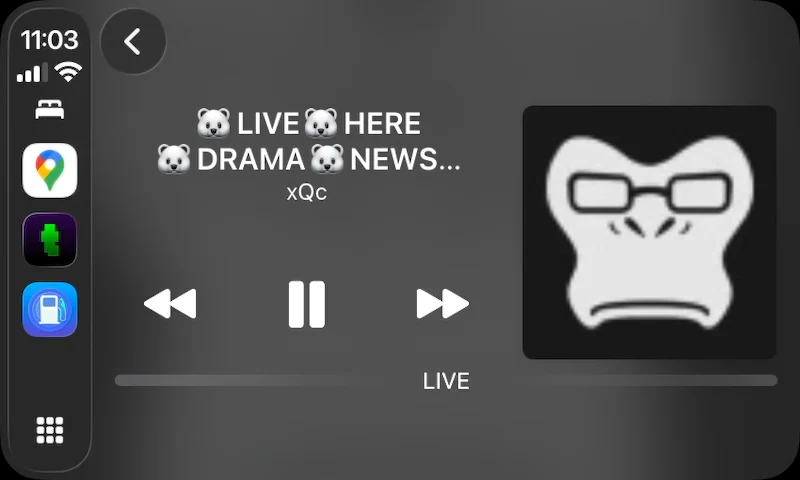

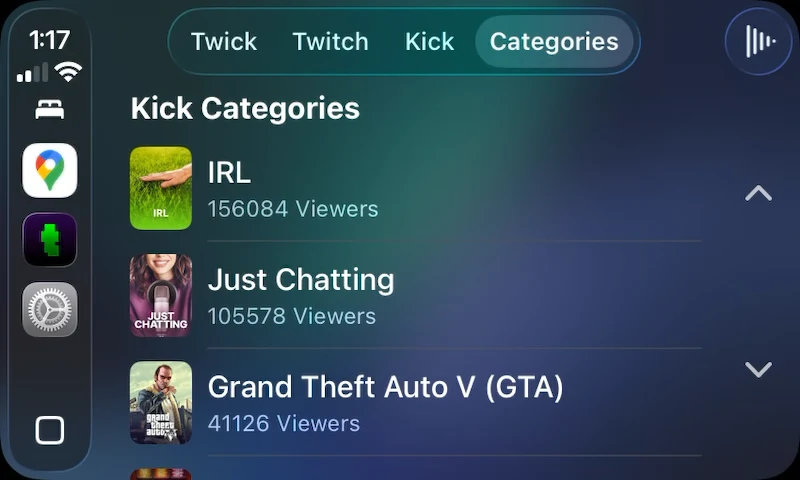
Listen to a stream while you drive, and pick channels from the dash.
Everything in Free, plus:
Pro is a monthly or yearly subscription, or a one-time purchase, inside the app. Everything in Free stays free. Emotes come from 7TV, BetterTTV and FrankerFaceZ, and streams and chat come from Twitch and Kick, so Twick depends on those services being up.
Free on the App Store for iPhone and iPad, with CarPlay in Pro. Needs iOS 18 or later.